 Tablux
Database client
OpenSearch GUI for Mac, iPhone and iPad
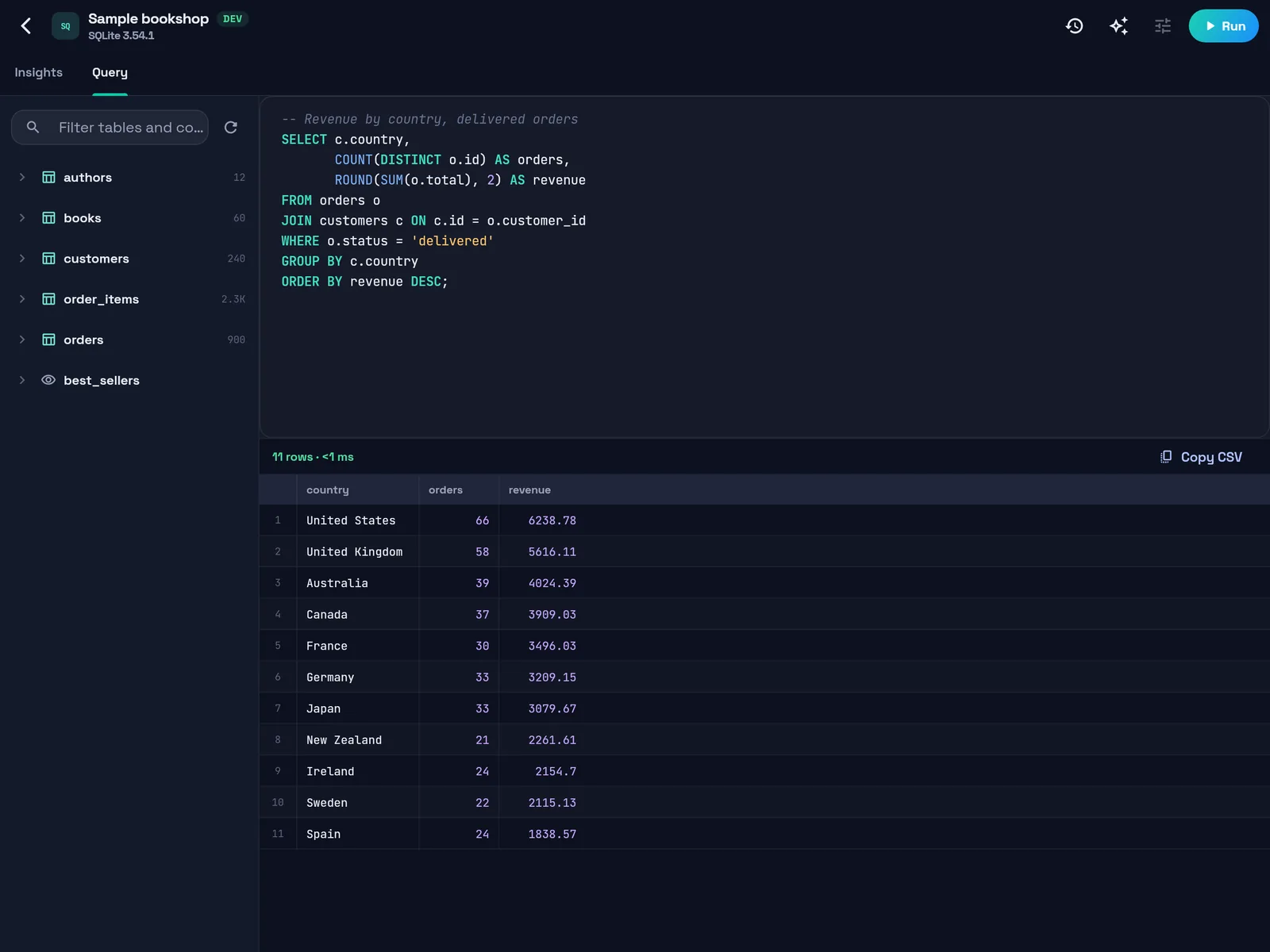
Tablux is an OpenSearch GUI for Mac, iPhone and iPad. Connect to a self-managed cluster with a user and password, or to an Amazon OpenSearch Service domain with an AWS access key and region. See each index’s fields and size, and query with OpenSearch SQL or with console requests like GET /orders/_search. One purchase covers all three devices.
What connecting needs
Pick the sign-in first; the form changes with it.
| Sign-in | Fields |
|---|---|
| Password | Host and port (9200 by default), user and password sent as HTTP basic auth, SSL switch, optional SSH tunnel |
| AWS access key | Domain endpoint (search-mydomain-abc123.eu-west-2.es.amazonaws.com), region, access key ID and secret access key. Port becomes 443 and SSL stays on; requests are signed with AWS Signature Version 4 on your device |
Secrets are stored in the system keychain on the device. With AWS sign-in there is no SSH tunnel. Use an IAM user’s keys, or temporary credentials with their session token (paste it in the optional field; replace it when it expires).
Amazon OpenSearch Service: AWS’s docs say that when a domain access policy names IAM users or roles, requests must be signed, which is what the AWS sign-in does. With fine-grained access control, the IAM user also has to be mapped to a role in the security plugin, or every request ends in a permissions error. Domains that use the internal user database accept the Password sign-in.
Querying: SQL or console requests
SQL goes to the SQL plugin at _plugins/_sql. OpenSearch SQL reads double quotes as a string, so identifiers with dots or hyphens take backticks; Tablux quotes names that way when it writes a query for you. Console requests work as in Dev Tools: method and path on the first line, JSON body below.
SELECT customer_id, total
FROM `orders-2026.11`
WHERE total > 100
ORDER BY total DESC
LIMIT 20
GET /orders/_search
{
"query": {"range": {"ordered_at": {"gte": "now-7d/d"}}},
"size": 50
}POST /orders/_search
{
"size": 0,
"aggs": {"per_day": {"date_histogram": {"field": "ordered_at", "calendar_interval": "day"}}}
}GET /orders/_countWhat the schema view shows
Every open index except system ones (names starting with a dot, audit logs and the like), with its document count and its mapped fields as columns: _id first, nested objects flattened (customer.name), and multi-fields listed separately, so a text field status shows up with status.keyword next to it. Use the .keyword one for exact filters, sorting and terms aggregations. Tap an index to run SELECT * FROM … LIMIT 100 on it.
Responses become rows: search hits as _id plus the _source fields, the first bucket aggregation as one row per bucket with doc_count and its metrics, _count as a number, _cat output (with format=json) as a table, anything else as key and value. Tap a row to see every value in full, then copy a value, the row as JSON or the whole result as CSV. A result stops at 5,000 rows.
Insights on OpenSearch
Insights reads _cat/indices and the mappings, never your documents, and shows each index’s size and document count. It flags:
- red indices: some primary shards aren’t allocated, so part of the data can’t be searched
- yellow indices: replicas aren’t allocated (normal on a single node, but there is no copy), with
GET /_cluster/allocation/explainready for the editor - indices mapping more than 1,000 fields, usually dynamic mapping adding a field per key
- empty indices
With the AI assistant set up, Insights can also build a dashboard of read-only SQL and search queries from your mappings, run on your device.
Read-only on OpenSearch
There is no read-only session to switch on, so with Read-only on, Tablux’s session refuses any request that isn’t a read before it is sent. GET and HEAD are reads, and so are POSTs to read endpoints such as _search, _count, _msearch and SQL; PUT, DELETE, _bulk, _update_by_query and anything unknown are treated as writes. The form recommends a read-only user too, since only the cluster can guarantee it: in the security plugin, the predefined readall_and_monitor role covers searching and the index statistics Insights reads.
On production, deleting an index (or _all, or a wildcard) and a _delete_by_query that matches everything need the connection’s name typed.
Tag the connection Production and every request that changes data asks first. A new connection tagged Production starts with Read-only on. More on production safety.
Limits
- TLS encrypts but doesn’t verify the certificate.
- Temporary AWS credentials (SSO, assumed roles) work with their session token, but Tablux doesn’t refresh them: paste new ones when they expire.
- One SQL statement or console request per run; only the first bucket aggregation becomes a table.
- No editing in the results grid.
Questions
Does Tablux work with Amazon OpenSearch Service?
Yes. Choose AWS access key as the sign-in and enter the domain endpoint, region and an IAM user’s keys, or use Password if the domain uses the internal user database.
Why does my SQL fail on an index with a hyphen or dot in its name?
OpenSearch SQL needs such names in backticks, for example `orders-2026.11`. Double quotes are read as a string.
Can I tunnel to OpenSearch over SSH?
With password sign-in, yes. AWS-signed connections go straight to the domain endpoint.