 Tablux
Guide
psql commands cheat sheet: list databases, tables, users and more
The psql commands you need most: \l lists databases, \c dbname connects to another one, \dt lists tables (\dt shop.* for one schema), \d orders describes a table, \du lists users and roles, \x auto makes wide rows readable, \? shows every command and \q quits. Backslash commands are psql's own; other tools need the SQL equivalents below.
Connect
psql takes a connection URI or separate flags. Quote the URI so your shell leaves ? and & alone:
psql "postgresql://[email protected]:5432/appdb?sslmode=require"
psql -h db.example.com -p 5432 -U app_user -d appdb

psql -l                          # list databases and exit
psql -d appdb -c "SELECT now();"  # run one command and exit
psql -d appdb -f migrate.sql      # run a file and exit
The prompt shows the database you are in: appdb=> for a normal user, appdb=# for a superuser. Backslash commands (meta-commands) are handled by psql itself, need no semicolon and end at the end of the line. SQL statements go to the server and run when psql sees the closing ;.
No psql yet? See how to install psql on a Mac. Every command on this page works against the read-only Tablux demo database, so you can try them without a server of your own.
List databases and switch between them
\l              -- list databases: name, owner, encoding, locale, access privileges
\l+             -- adds size, default tablespace and description
\l app*         -- only databases whose name starts with app
\c appdb        -- connect to another database (same user, host, port)
\c appdb alice  -- ... as another user
\conninfo       -- which database, user, host and port you are on, and SSL details
\l is short for \list, and \c for \connect. A PostgreSQL connection belongs to one database, so there is no USE dbname: \c opens a new connection and closes the old one. If the new connection fails, psql keeps the previous one (in interactive use).
List tables: \dt
appdb=> \dt
         List of relations
 Schema | Name  | Type  |   Owner
--------+-------+-------+-----------
 public | notes | table | app_owner
(1 row)
The catch: with no pattern, \dt shows only tables in schemas on your search_path (normally public). If your tables live in another schema, name it:
\dt shop.*        -- every table in schema shop
\dt shop.ord*     -- tables in shop whose name starts with ord
\dt *.orders      -- a table called orders in any schema
\dt *.*           -- every table in every schema, system catalogs included
\dt+ shop.*       -- adds persistence, access method, size on disk and description
In patterns, * matches any characters and ? any single character. Names are folded to lower case unless you double-quote them: \dt "Orders". Check where psql looks with SHOW search_path;, and change it for the session with SET search_path = shop, public;.
The same pattern rules apply to the related commands, and you can combine letters: \dtv shop.* lists tables and views together.
Describe tables, views, indexes and functions
\d shop.orders    -- columns, types, defaults, indexes, constraints, foreign keys, triggers
\d+ shop.orders   -- adds storage, compression, statistics target and column comments
\d                -- tables, views, materialized views, sequences and foreign tables
\dn               -- schemas (\dn+ adds privileges)
\dv               -- views
\dm               -- materialized views
\di               -- indexes, with the table each belongs to
\ds               -- sequences
\df               -- functions and procedures (\df+ adds volatility, owner, language and more)
\sf my_function   -- a function's full CREATE statement
\dx               -- installed extensions
\dp shop.orders   -- access privileges (GRANTs) on a table
\ddp              -- default privileges
Most \d commands hide system objects unless you give a pattern or add S: \dfS lists built-in functions. A typical \d looks like this:
                                Table "shop.orders"
   Column    |     Type      | Collation | Nullable |           Default
-------------+---------------+-----------+----------+------------------------------
 id          | bigint        |           | not null | generated always as identity
 customer_id | bigint        |           |          |
 total       | numeric(10,2) |           |          |
Indexes:
    "orders_pkey" PRIMARY KEY, btree (id)
Foreign-key constraints:
    "orders_customer_id_fkey" FOREIGN KEY (customer_id) REFERENCES shop.customers(id)
List users and roles: \du
appdb=# \du
                   List of roles
 Role name |                    Attributes
-----------+---------------------------------------------
 app_user  | 10 connections                              +
           | Password valid until 2027-01-01 00:00:00+00
 postgres  | Superuser, Create role, Create DB, Replication, Bypass RLS
 reporting | Cannot login
PostgreSQL has one kind of account, the role; a "user" is a role that can log in. \du and \dg are the same command. Since PostgreSQL 16, \du no longer has a "Member of" column; \drg shows who is a member of which role, with the ADMIN, INHERIT and SET options. To create users and set passwords, see how to create a user in PostgreSQL; \password alice changes a password without it appearing in your history or the server log.
Output, timing and editing
\x auto           -- expanded (one column per line) only when rows are too wide
\x                -- toggle expanded output
\timing on        -- print how long each statement took
\pset null '∅'    -- show NULLs as something visible
\e                -- edit the current query (or the last one) in your editor
\i setup.sql      -- run a file
\ir child.sql     -- run a file relative to the current script's folder
\o result.txt     -- send query output to a file; \o alone sends it back
\watch 5          -- re-run the last query every 5 seconds (Ctrl-C stops)
\g                -- run the query buffer again
\e opens the editor named in PSQL_EDITOR, EDITOR or VISUAL (vi if none is set); when you save and quit, a query ending in ; runs straight away. Put commands you always want, such as \x auto and \timing on, in ~/.psqlrc.
\copy vs COPY
Both move data between a table and a file. The difference is whose file.
-- psql reads/writes a file on YOUR machine; any user with access to the table can run it
\copy shop.orders TO 'orders.csv' WITH (FORMAT csv, HEADER)
\copy (SELECT id, total FROM shop.orders WHERE total > 100) TO 'big.csv' WITH (FORMAT csv, HEADER)
\copy shop.customers (email) FROM 'customers.csv' WITH (FORMAT csv, HEADER)

-- the SERVER reads/writes a file on the database host
COPY shop.orders TO '/var/lib/postgresql/orders.csv' WITH (FORMAT csv, HEADER);
Server-side COPY to or from a file needs superuser or membership in pg_write_server_files / pg_read_server_files; otherwise PostgreSQL answers permission denied to COPY to a file, with a hint that \copy works for anyone. On managed services such as RDS or Supabase you can't reach the server's disk anyway, so use \copy. Write a \copy on one line: like other meta-commands, it ends at the line break.
Help, the SQL behind a command, and quitting
\?                -- every psql command
\? variables      -- psql variables such as ON_ERROR_STOP
\h                -- list SQL commands
\h CREATE INDEX   -- syntax of one SQL command
\set ECHO_HIDDEN on   -- show the catalog queries behind \d commands (or start psql -E)
\q                -- quit (Ctrl-D works too)
ECHO_HIDDEN is the quickest way to learn the catalogs: turn it on, run \dn, and psql prints the query it sent to pg_namespace before the result.
The same thing in SQL, outside psql
Backslash commands only work in psql. In a GUI client, an application or another driver, query the catalogs instead. These run on any current PostgreSQL:
-- list databases (\l)
SELECT datname FROM pg_database WHERE NOT datistemplate ORDER BY datname;

-- current database and user (\conninfo)
SELECT current_database(), current_user, inet_server_addr(), inet_server_port();

-- list tables (\dt *.*, without system schemas)
SELECT schemaname, tablename
FROM pg_tables
WHERE schemaname NOT IN ('pg_catalog', 'information_schema')
ORDER BY 1, 2;

-- the standard way, also works in MySQL and SQL Server
SELECT table_schema, table_name
FROM information_schema.tables
WHERE table_type = 'BASE TABLE'
  AND table_schema NOT IN ('pg_catalog', 'information_schema')
ORDER BY 1, 2;

-- columns of one table (\d shop.orders)
SELECT column_name, data_type, is_nullable, column_default
FROM information_schema.columns
WHERE table_schema = 'shop' AND table_name = 'orders'
ORDER BY ordinal_position;

-- schemas (\dn)
SELECT nspname FROM pg_namespace
WHERE nspname NOT LIKE 'pg\_%' AND nspname <> 'information_schema'
ORDER BY 1;

-- views (\dv) and indexes (\di)
SELECT schemaname, viewname FROM pg_views WHERE schemaname NOT IN ('pg_catalog', 'information_schema');
SELECT tablename, indexname, indexdef FROM pg_indexes WHERE schemaname = 'shop';

-- users and roles (\du)
SELECT rolname, rolsuper, rolcreatedb, rolcreaterole, rolcanlogin, rolvaliduntil
FROM pg_roles WHERE rolname !~ '^pg_' ORDER BY rolname;

-- sizes (\l+ and \dt+)
SELECT datname, pg_size_pretty(pg_database_size(datname)) FROM pg_database ORDER BY pg_database_size(datname) DESC;
SELECT relname, pg_size_pretty(pg_total_relation_size(oid)) AS total
FROM pg_class WHERE relkind = 'r' AND relnamespace = 'shop'::regnamespace
ORDER BY pg_total_relation_size(oid) DESC;
One difference to know: information_schema only lists tables and columns you have some privilege on, while pg_tables and the other pg_catalog views list everything. If a table is missing from one query but not the other, it's permissions.
psql cheat sheet
| Task | psql | SQL anywhere |
|---|---|---|
| List databases | \l | SELECT datname FROM pg_database; |
| Switch database | \c dbname | Reconnect |
| Where am I | \conninfo | SELECT current_database(), current_user; |
| List tables | \dt, \dt schema.* | SELECT * FROM pg_tables; |
| Describe a table | \d table | information_schema.columns |
| List schemas | \dn | pg_namespace |
| List views / indexes | \dv / \di | pg_views / pg_indexes |
| List functions | \df | information_schema.routines |
| List users | \du | SELECT rolname FROM pg_roles; |
| Role memberships (16+) | \drg | pg_auth_members |
| Table privileges | \dp table | information_schema.role_table_grants |
| Extensions | \dx | SELECT * FROM pg_extension; |
| Expanded output | \x auto | |
| Query timing | \timing on | |
| Edit query | \e | |
| Run a file | \i file.sql | |
| Export to CSV | \copy … TO 'f.csv' WITH (FORMAT csv, HEADER) | COPY … TO STDOUT |
| Change password | \password user | ALTER ROLE … PASSWORD |
| Help | \?, \h CMD | |
| Quit | \q |
Try them on the demo database
The Tablux demo is a public, read-only PostgreSQL database with an invented shop's data in schema shop:
psql "host=aws-1-eu-west-2.pooler.supabase.com port=5432 dbname=postgres user=tablux_demo.nwazeancgffixzvpqgvc sslmode=require"
# password: tablux-demo-readonly

\dt shop.*
\d shop.orders
\x auto
SELECT * FROM shop.orders ORDER BY ordered_at DESC LIMIT 5;
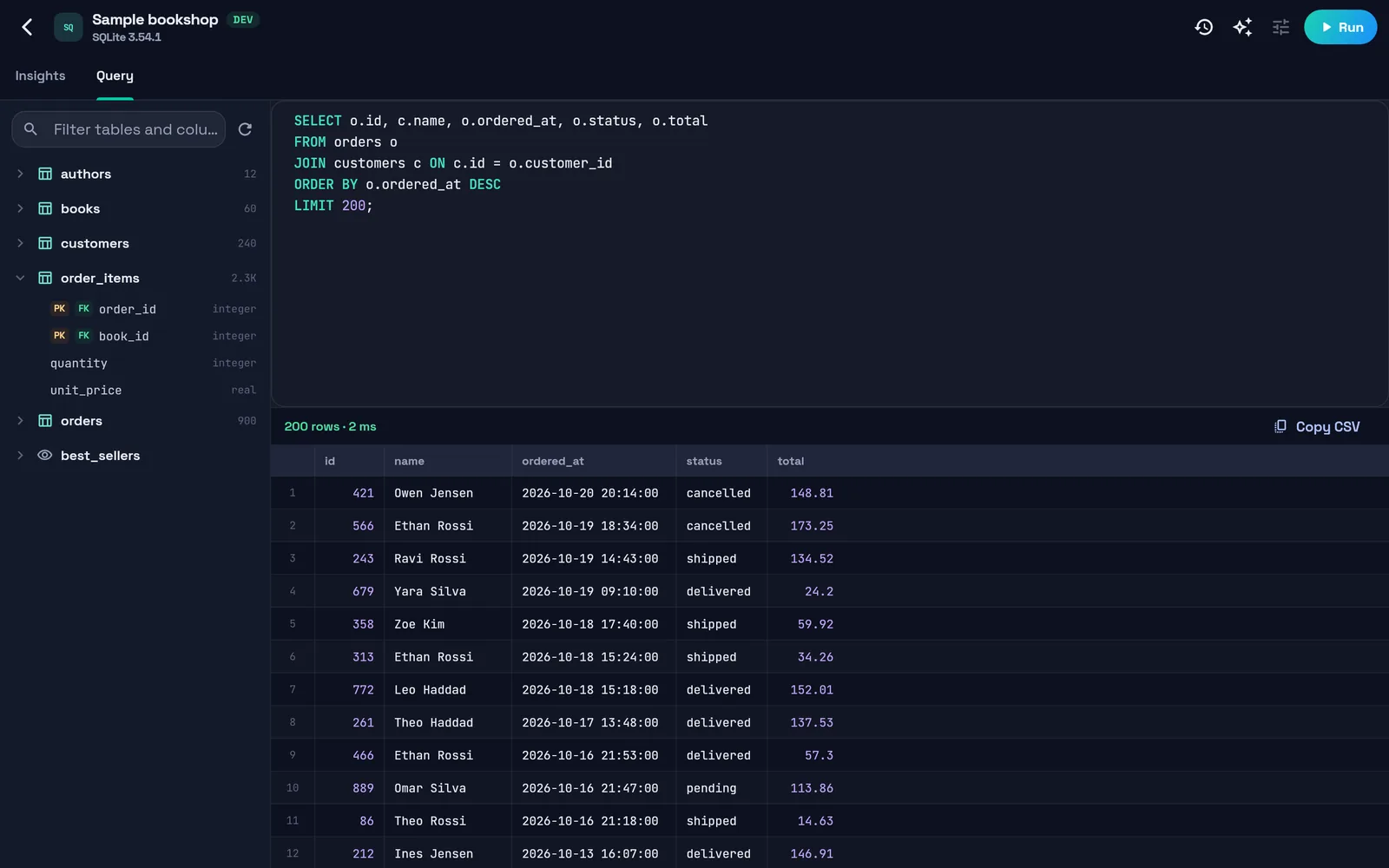
Writes are refused, so \copy … FROM and CREATE will fail there; everything that reads works. If you would rather see the schema as a list you tap through, Tablux connects to PostgreSQL from a Mac, iPhone or iPad and shows tables and views with their columns, types and keys beside the SQL editor.
Questions
How do I list all databases in PostgreSQL?
In psql, type \l (or run psql -l from your shell). In SQL, run SELECT datname FROM pg_database WHERE NOT datistemplate ORDER BY datname;
Why does \dt say "Did not find any relations"?
\dt with no pattern only shows tables in schemas on your search_path. Your tables are probably in another schema: try \dt *.* or \dt schema_name.*, or check that you are connected to the right database with \conninfo.
What is the psql equivalent of SHOW TABLES or USE database?
\dt lists tables and \c dbname switches database. PostgreSQL has no USE statement because each connection belongs to one database.
How do I list users in PostgreSQL?
Type \du in psql, or run SELECT rolname FROM pg_roles; in any client. Roles that can log in have rolcanlogin = true.
What is the difference between \copy and COPY?
\copy is run by psql and reads or writes files on your computer with your permissions. COPY to or from a file runs on the server, uses the server's disk and needs superuser or the pg_read_server_files / pg_write_server_files roles.
How do I exit psql?
Type \q and press Return, or press Control-D.
Updated 2026-11-25